1. Getting
Started
Sign In
To access full features, sign in using Email/Password or
Google. This ensures
data is saved
securely.
The
Dashboard
Your central hub to view active/past tournaments, search
events, or create
new ones.
2. Creating a
Tournament
Click "New Tournament" on the
dashboard.
Settings
- Categories: Enable classes and set car limits.
- Rules: Configure Second Chance entry and track layout
(3/5 Lanes).
- Timer: Enable match countdowns.
3. Managing
Players
Manual
Entry
Add players one by one, specifying their car count
for each category.
CSV Import
Import lists using columns:
Player Name,
Number of Cars,
Race Category.
Your CSV file should have three columns with a
header row like this.
The "Race Category" must match one of the enabled categories
exactly.
Player Name,Number of Cars,Race Category
Alex Johnson,2,box stock
Sarah Miller,3,open class
Tom Wilson,1,pro stock
Note: Categories
must match exactly.
4. Running the
Tournament
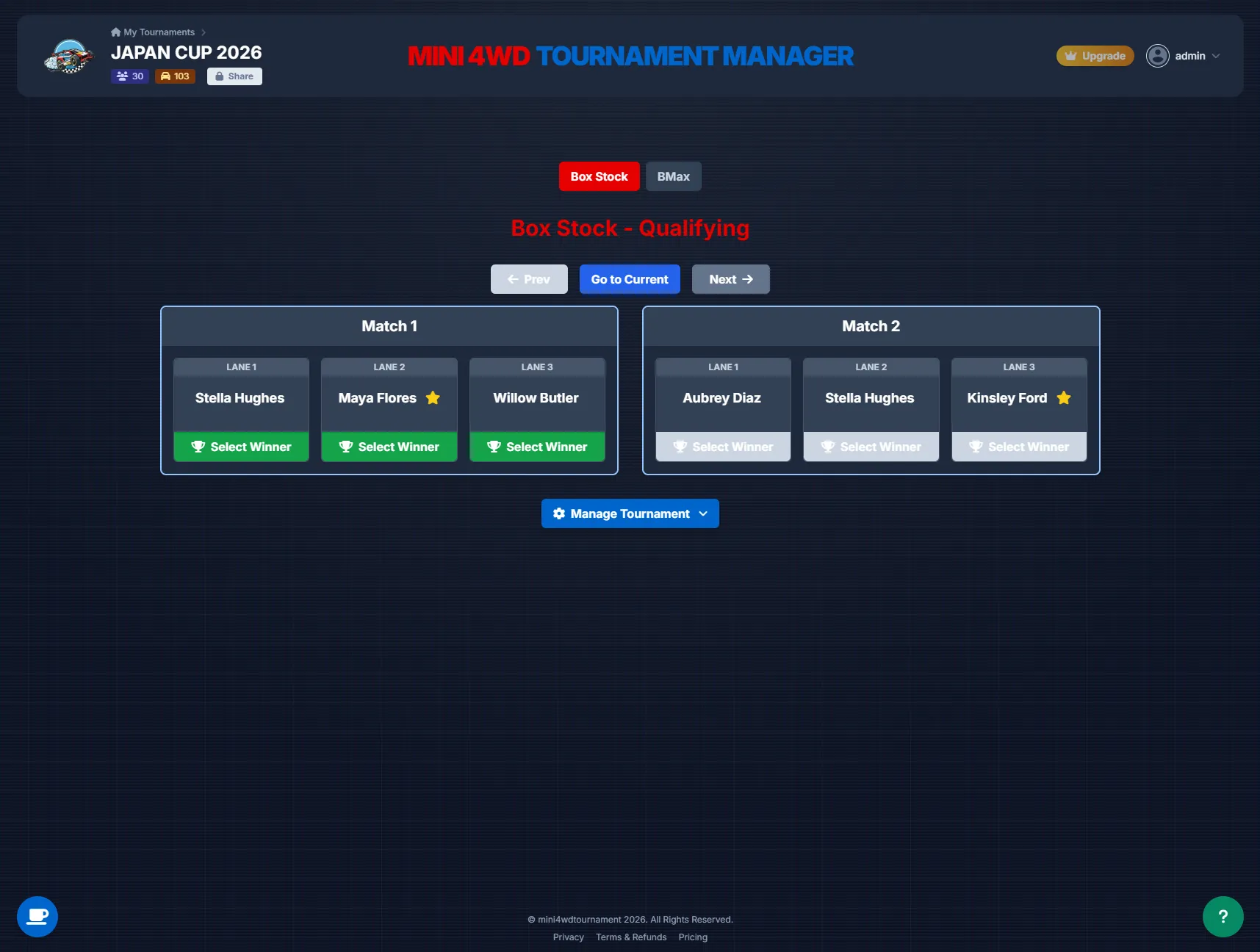
- Bracket View: Scroll through rounds to see matchups.
- Conducting Races: Click a match card to open the race
view. Use the timer
and select a
winner.
- Second Chance: If enabled, losing players enter a
redemption bracket.
5.
Troubleshooting & Tips
- CSV Fails? Check headers and category spelling.
- Data Sync: Ensure internet connection is active.
- Found a bug? Contact dad_codes@mini4wdtournament.com
1. My Garage
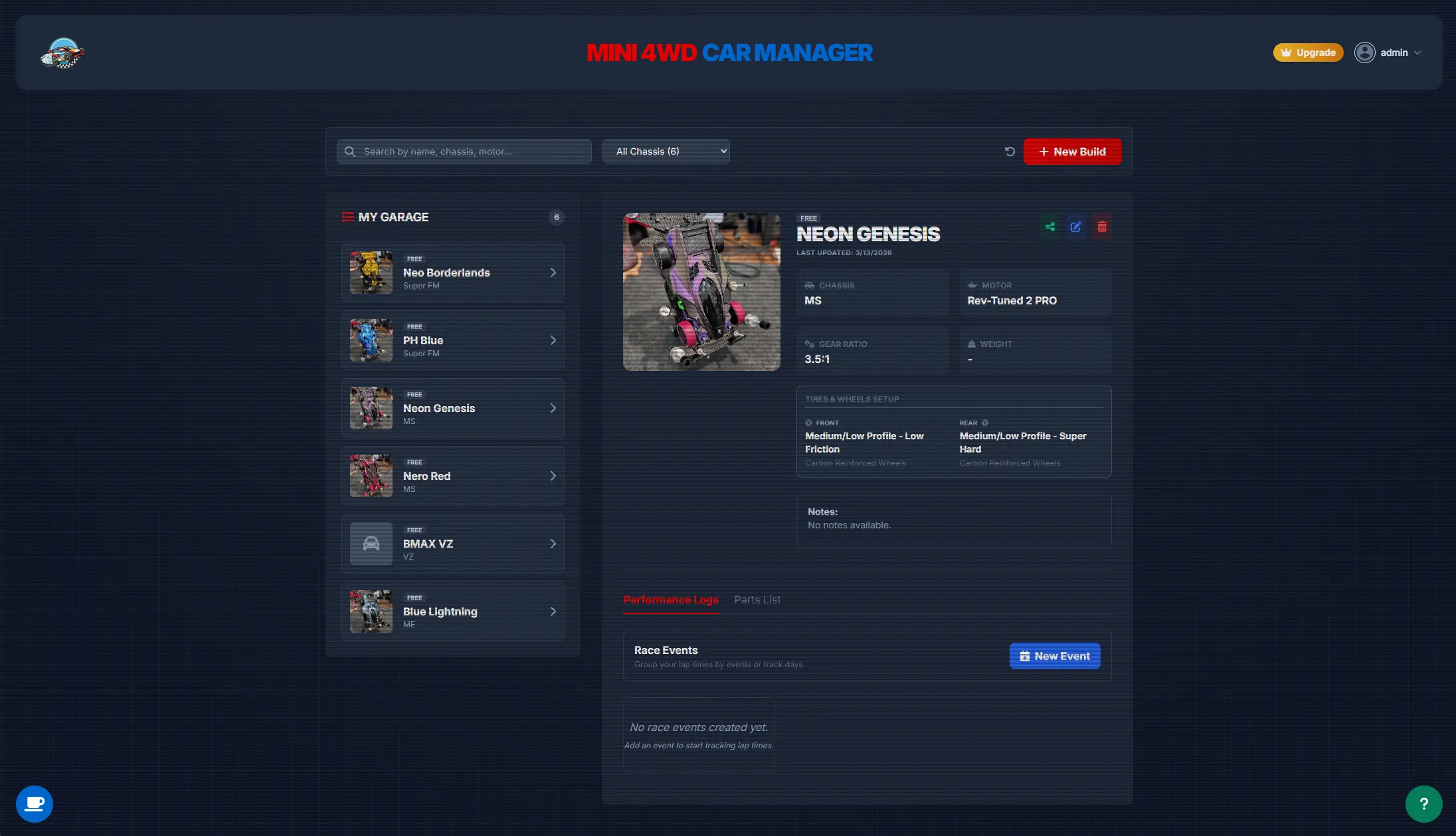
The garage is your central database for all your Mini 4WD machines.
Adding Cars
Click "New Build" to create a profile. Record chassis type, motor,
gear ratio, and tires.
Photos
Upload photos of your car. Click the photo to view it full-screen.
2. Performance Logs
Track how your car performs on the track. Click "Log New
Run" to save a record.
- Track Name: Where did you race?
- Lap Time: Record your best time.
- Result: Win, Loss, or Time Attack.
- Notes: What settings worked? What didn't?
3. Parts Management
Keep track of exactly what parts are installed on each machine.
Tamiya Part Search
In the "Edit Car" menu, confirm you are connected to the internet to
search the Tamiya database. Type a part name or item number to add it to your list.